Sometimes you'll find you have issues with a tenant's information not updating or other information not looking right. Usually this is caused by a slow or intermittent problem with the internet. There's an easy way to completely reset and clear your SiteLink database so that your programs pulls a fresh updated copy from the servers. Follow these steps:
- Close SiteLink.
- Open SiteLink and this time change all the fields, including the password, to DEMO as show on my attached screen shot below:
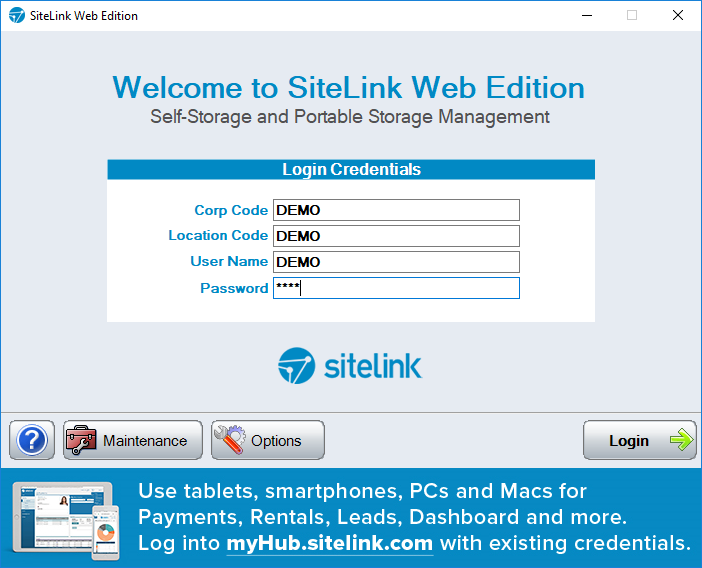
- Let the demo database load. That clears your cache of old information. Once complete, close SiteLink again.
- Open as normal and log back into your database. Remember Corp Code is CCEC and enter the correct location code for your company (201, 202, 403, 614, etc.).
0 Comments