Lockbox:
Reset your lockbox code.
Send the new code to Support to have your password sheet updated.
Call your storage advisor and notify them of the new code, as the updated password sheet may not be available this afternoon.
Gate Code:
Please check to see if there was a gate code assigned to Brian at your facility and, if so, remove the access.
To do this:
Log into SiteLink
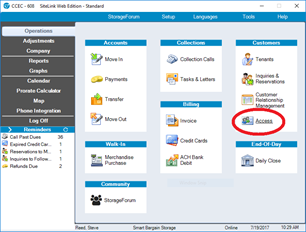
Go to the Operations screen
Under Customers, select Access
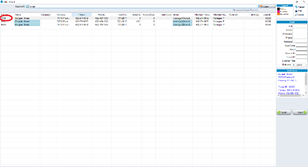
Select the Company Unit (if there are multiple company units, choose the one with the lowest Unit ID number)
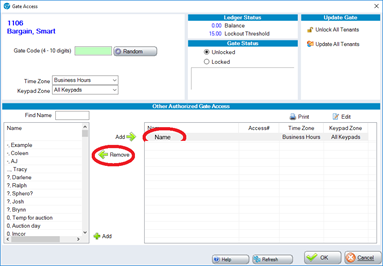
On the next screen, under Other Authorized Gate Access
Select the name and click Remove
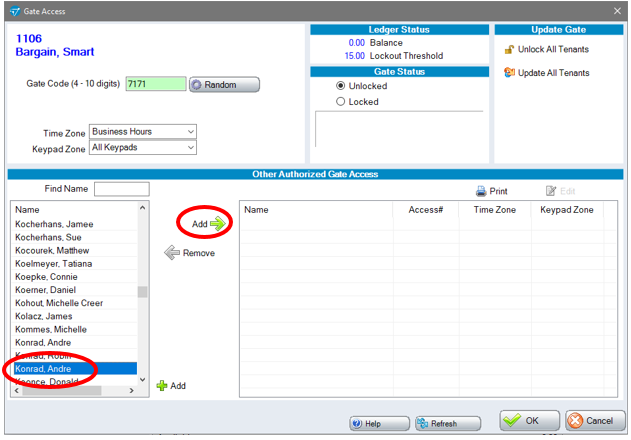
To Add an employee's gate code select their name from the left table and click Add
0 Comments