Adjust Volume during a Call
The most direct way to adjust volume while on an active call is with the Volume keys on the side of your device.
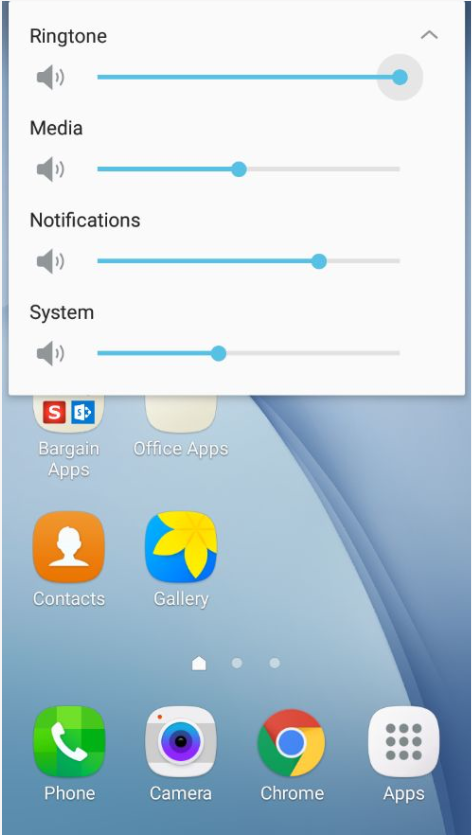
When not in a call you will have access to more volume controls by first using the volume keys then pressing the arrow in the upper right hand corner of the volume menu.
Still have questions? Click here for more help from the official Samsung page.

0 Comments