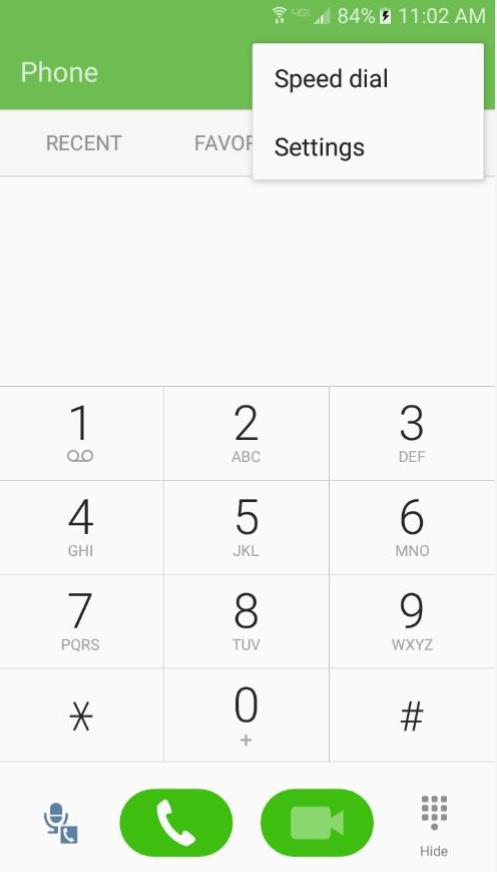
1. Select the Phone icon on  the home screen, tap More at the top right, and then tap Settings.
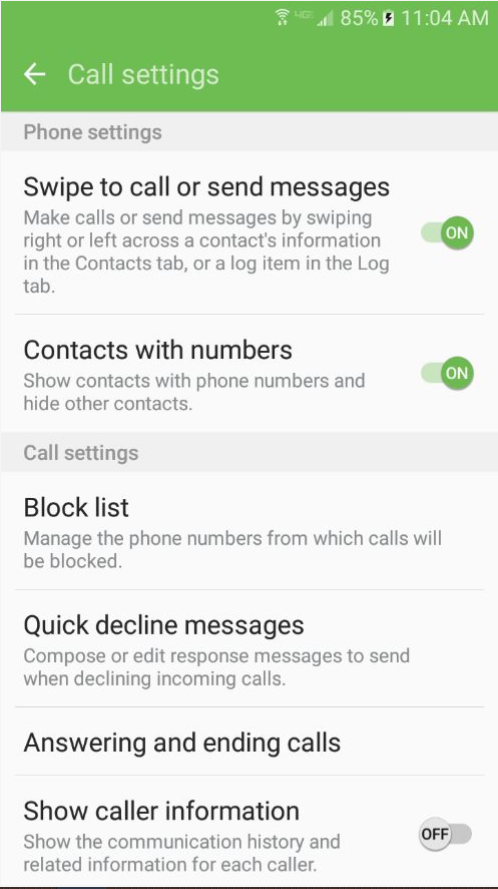
2. In the settings menu tap Block List.
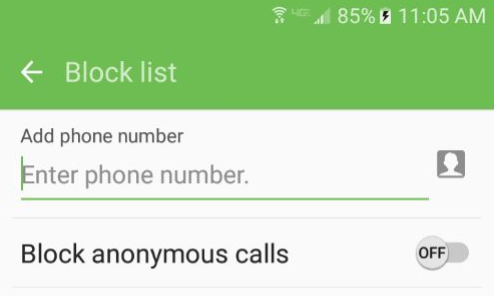
3. Add the number you wish to block in the text box.
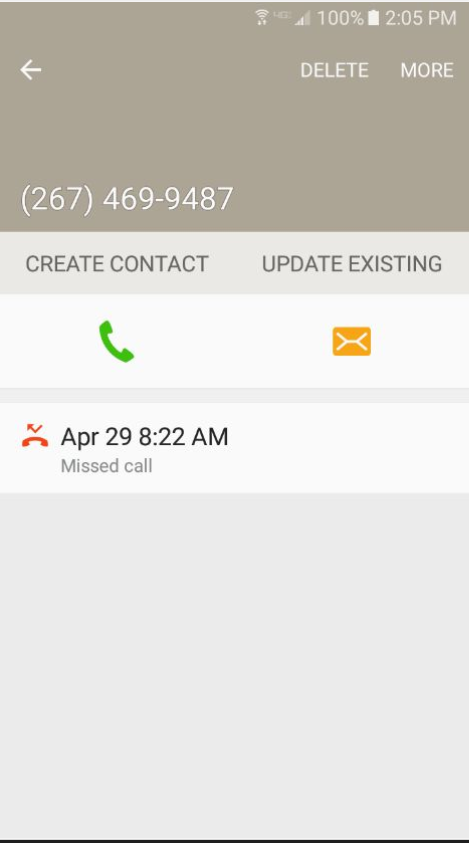
4. Another path to block a number would be to select Recent calls in the phone app.
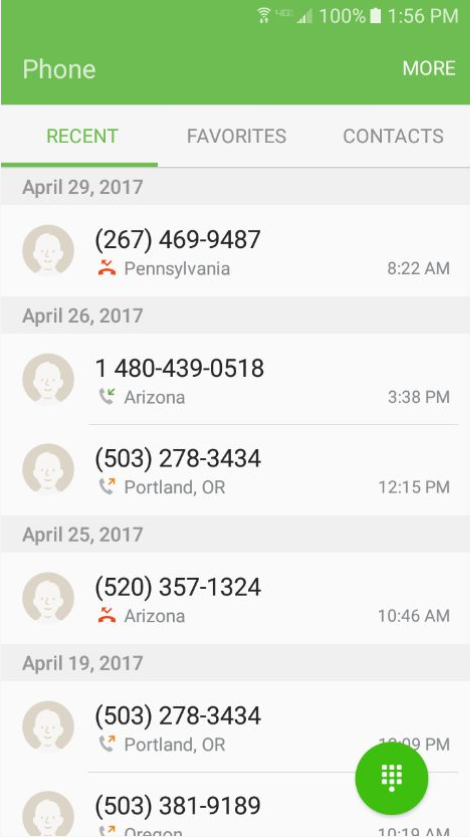
5. Tap the phone number you wish to block.
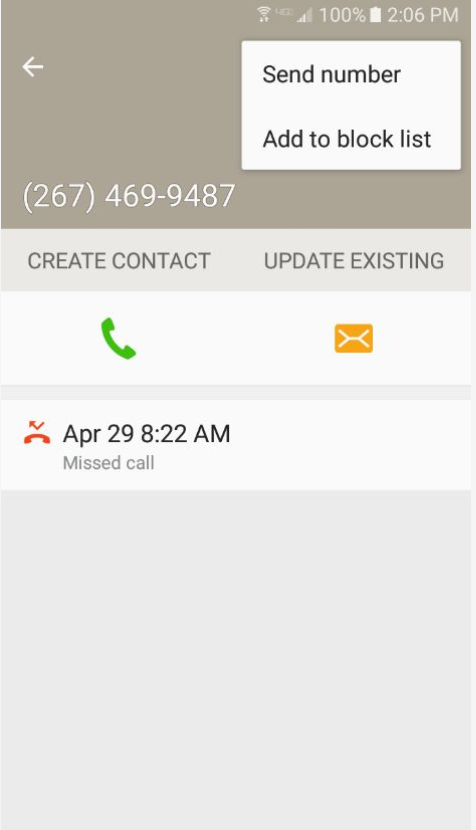
6. Then tap More and tap Add to block list.
0 Comments