1. To view your cameras with Super Live Pro first tap the Super Live Pro icon. 
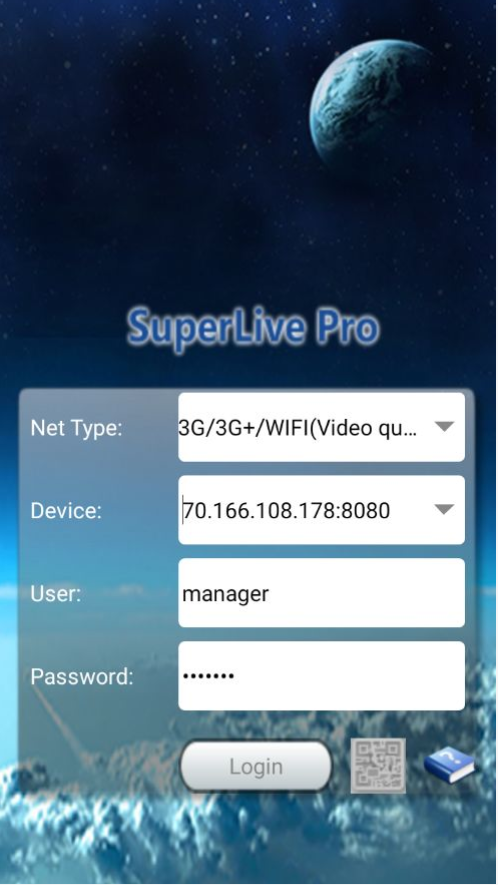
2. Tap the Login button.
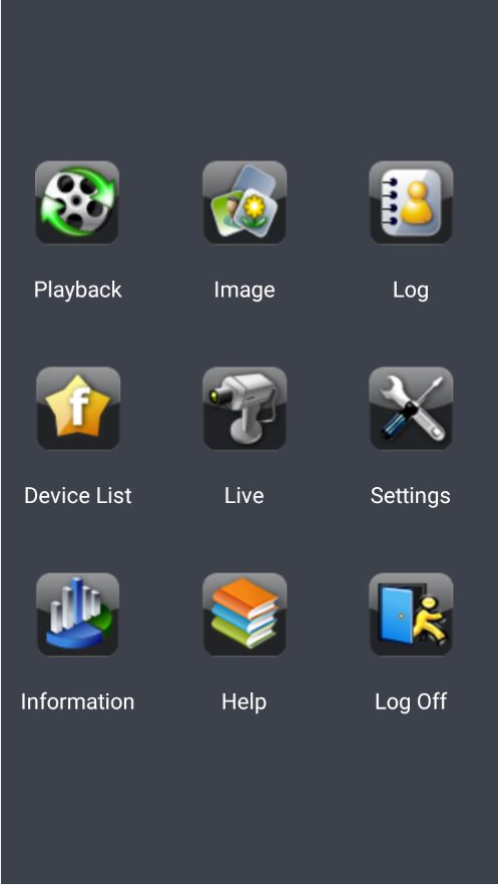
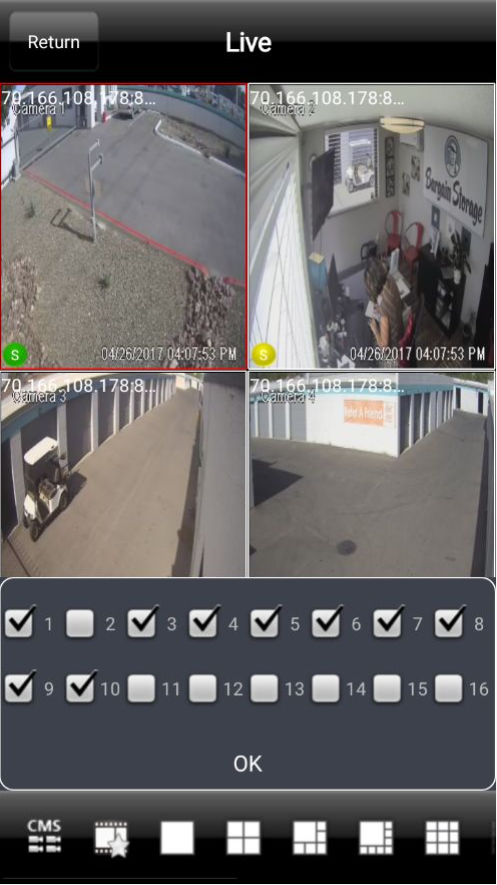
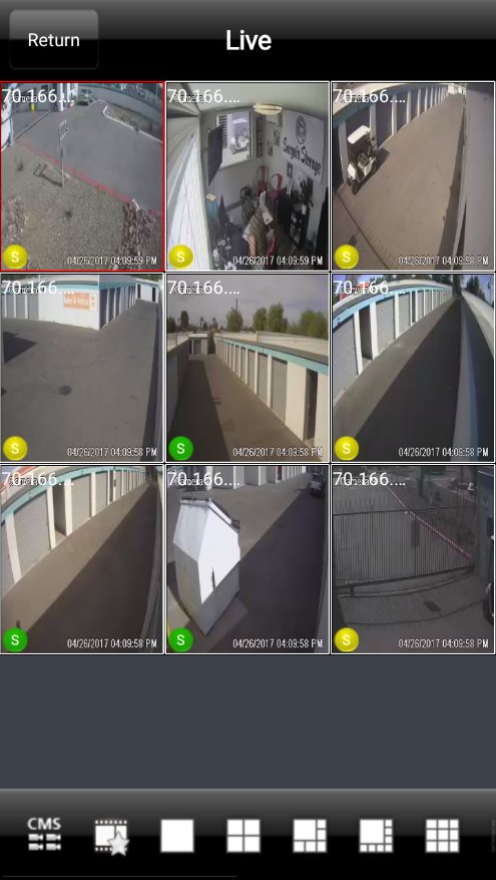
3. On this screen tap the button labeled "Live". You will then be presented with your cameras.
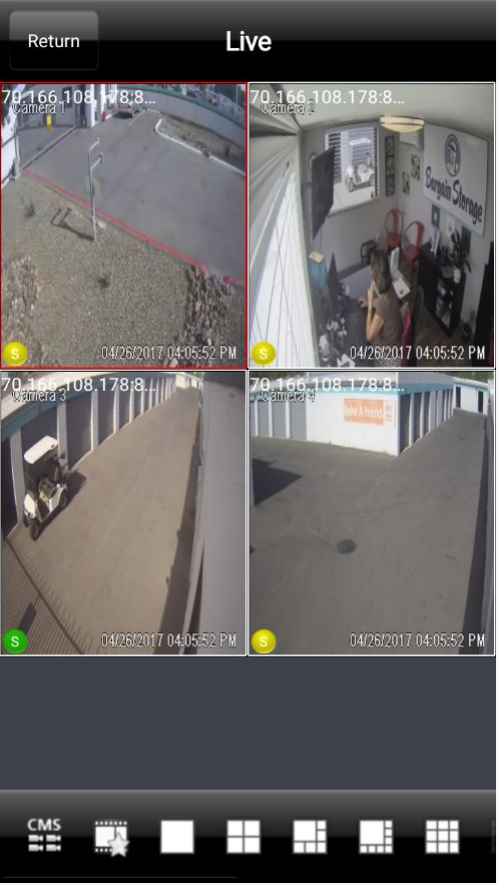
- You will be presented with a live view of the property's cameras.
4. To view different cameras press the icon in the lower right hand corner with 9 squares, you will be given a full list of the property cameras. You can then select the desired cameras and press "OK".
0 Comments