1. Tap the ACC Mobile icon. 
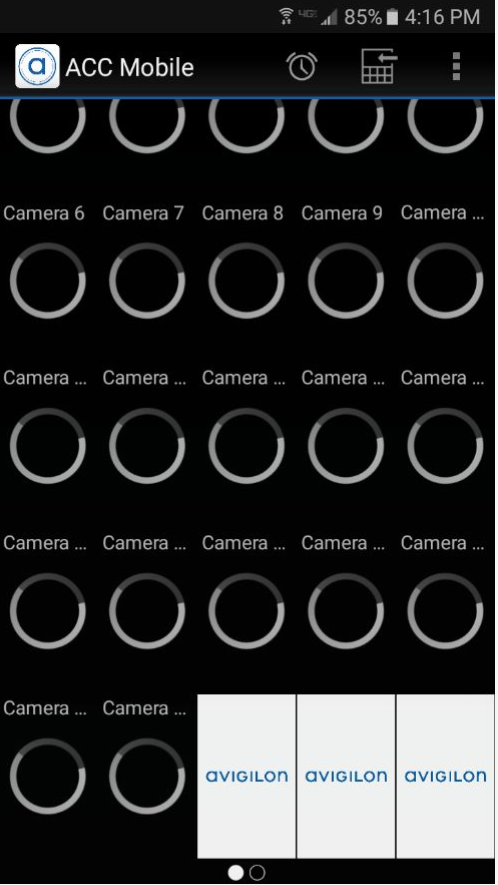
- The cameras will load as soon as the app opens.
2. Double-tap any cameras picture to put the camera in full screen.

Attached to this article is an extensive guide on using the ACC mobile app with your smart phone.
1. Tap the ACC Mobile icon.
2. Double-tap any cameras picture to put the camera in full screen.
Attached to this article is an extensive guide on using the ACC mobile app with your smart phone.
0 Comments