1. Tap the i-Smart Viewer icon.
2. Tap the icon to open i-Smart Viewer.
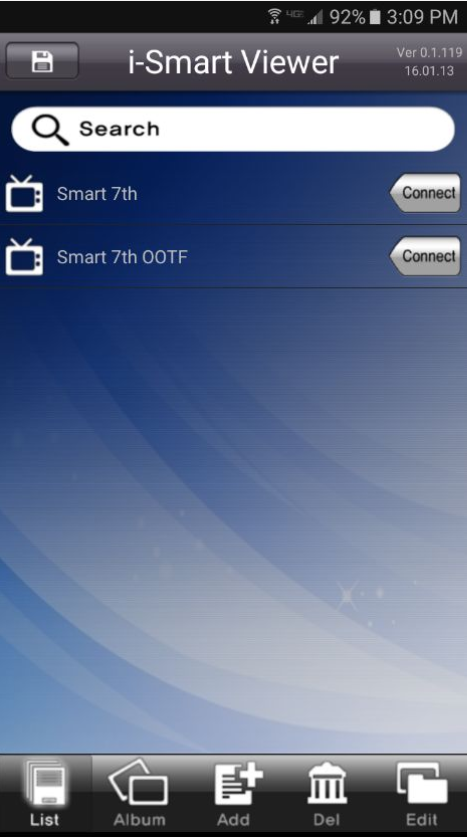
3. Tap either "Your Property's Name" if you're in the office or tap "Your Property's Name OOTF" if you are Out of the Office.
1. Tap the i-Smart Viewer icon.
2. Tap the icon to open i-Smart Viewer.
3. Tap either "Your Property's Name" if you're in the office or tap "Your Property's Name OOTF" if you are Out of the Office.
0 Comments