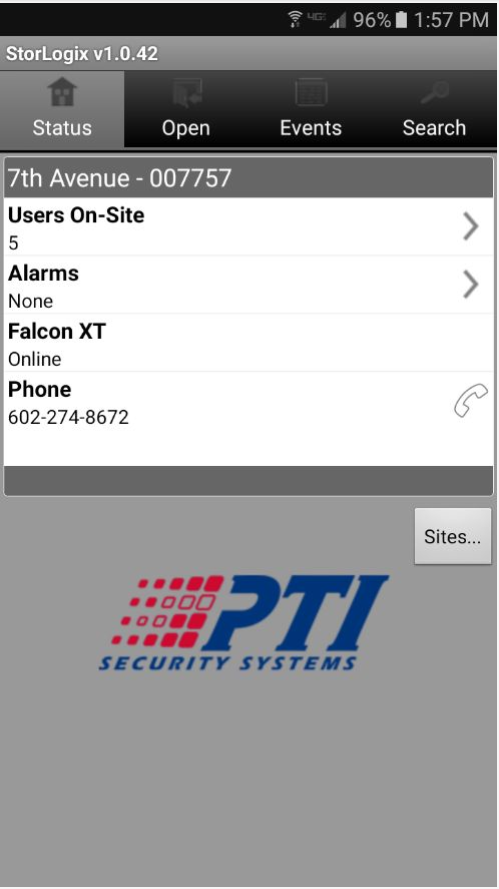
Tap the Storlogix icon,  the app will begin to load. This will open a the status screen displaying the Site Name, Users on-site, Alarms, Falcon XT status, and Site Number. To the right of the status screen will be 3 tabs. These tabs contain the main function of the program.
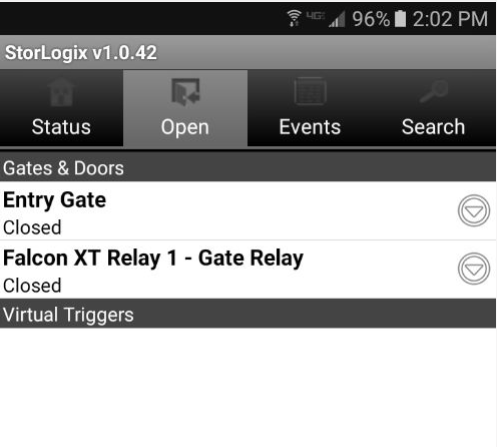
- Open - use this tab to open your gates and monitor their current status. Tap the desired gate to activate the relay and open the gate.
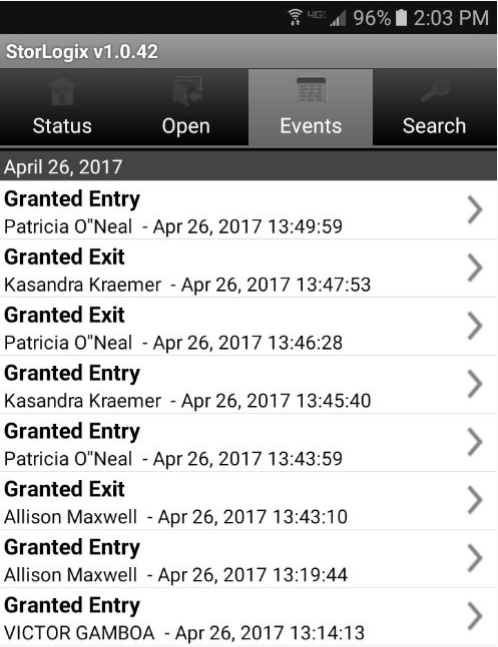
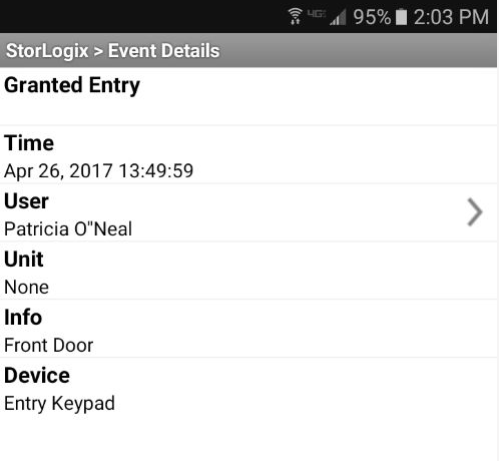
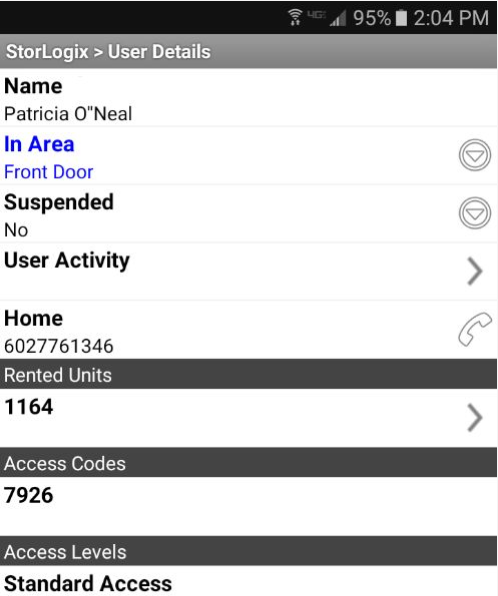
- Events - Use this tab to view the latest events at your gate. Tapping an event will show you further details. Tapping the User's name will show you specifics about the user.
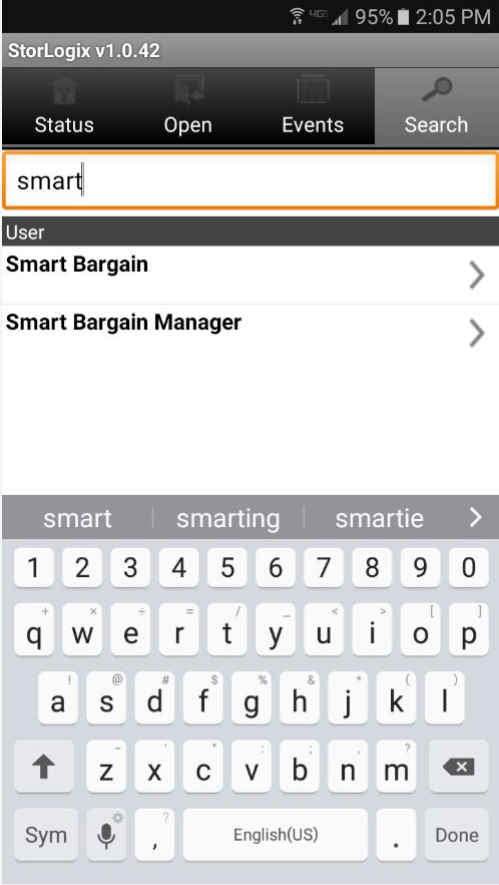
- Search - This tab allows you to search for specific tenants who have accessed your gates.
0 Comments