When a SpareFoot reservation is made, the manager will receive an email and text containing the Name, Unit size/type and date of reservation as shown in the images below.
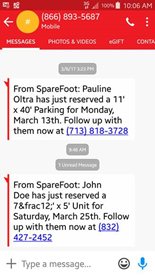
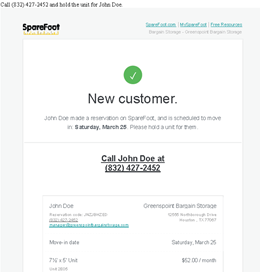
The manager will also receive an automated phone call to the main office phone number. A recorded voice will read back all the previously mentioned information and give the manager the option to call the customer back by pressing 1.
On occasion a live operator from SpareFoot may call and connect you directly with the customer.
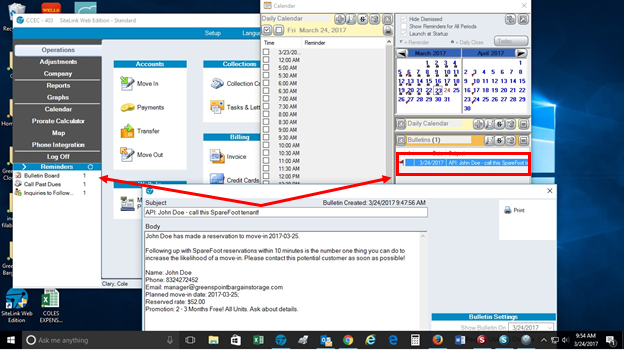
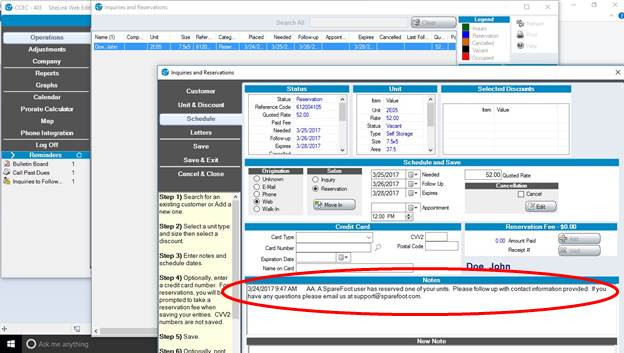
SpareFoot will also add a bulletin to the Sitelink Reminders tab as well as open an inquiry and reservation to follow up on.
0 Comments